Fasttracker II clone
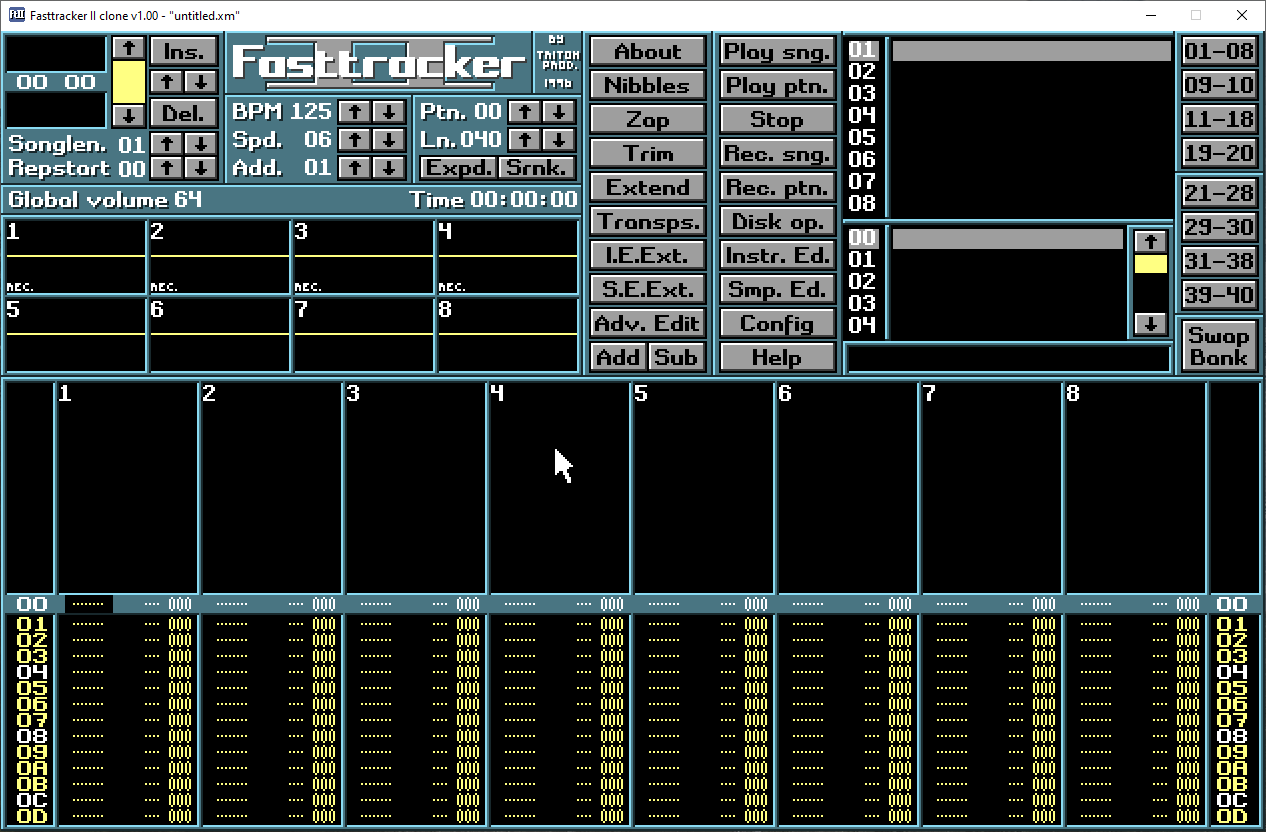
I have written a portable Fasttracker II clone in C using SDL 2. Here's a screenshot.
What is Fasttracker II? Read about it on Wikipedia.
FT2 clone v2.27 download: (25th of October 2026 15:23 - GMT +2 -
changelog)
Source code and more info can be found over at GitHub. Please read "HOW-TO-COMPILE.txt". Compiles on Linux.
Note: If you have more than one monitor connected to your PC, and they use different refresh rates,
you might get some program issues!
Windows important notice:
- If ALT+F4/ALT+F5 (copy/paste block) doesn't work and you have an NVIDIA GPU, you need to make sure
those keybindings are disabled in 'GeForce Experience' (if it's installed).
macOS/OS X important notices:
- To be able to actually run the program, you need to right click the .app/program and click "Open". This is needed just once.
If using a modern version of macOS, you need to allow the program to run in System Settings -> Privacy & Security after having attempted to run it.
- A lot of important keybindings in FT2 are occupied and has to be rerouted or removed in the OS
- To toggle fullscreen mode, press ALT+Enter or Ctrl+Cmd+F
Linux important notice:
- To get ALT+F4 (copy pattern) and ALT+F5 (paste pattern) working, you have to change these
keyboard shortcuts in your OS to something else.